
Searching Clinton County Civil Dockets
Clinton County offers two main ways to run a civil docket search. For Common Pleas records, the Clerk of Courts CaseLook service includes a CV type filter. The Municipal Court Record Search instead offers separate Civil and Small Claims choices. Pick your court first. A no-hit in one system tells you nothing. The other system may still hold the case, so search the one that matches it.
Each portal takes different search criteria. CaseLook allows one at a time: Name/Company, Hearing Date, or a numbers-only Case Number. The Municipal Record Search accepts more options. Those include Name/Company, Hearing Date, Case Number, File Date, Ticket Number where applicable, or Birth Date only when paired with a name. Municipal dates need month, day, and year. The form asks for a CAPTCHA. Both are local systems. Ohio offers no statewide public trial-court docket search to cover any gap between them.
- Identify whether the notice names Common Pleas or Municipal Court and note the case type.
- For a Common Pleas civil matter, accept the CaseLook notice, use one criterion, and select CV.
- For a lower-court civil matter, choose Civil or Small Claims in Municipal Record Search and submit one useful locator.
- Open the matching result and compare the court, caption, and file or hearing date with the material in hand.
- Use the Daily Docket for a Municipal setting and contact the owning clerk for a verified copy or missing document.
Clinton County Civil Court Limits
The Municipal Court Civil Division caps civil damages at $15,000 within Clinton County. That figure sets a docket search boundary. Municipal civil and small-claims matters live in the Municipal Court system. General civil matters above that lower-court jurisdiction go through Common Pleas and the Clerk's CaseLook path, subject to Ohio jurisdiction rules. The Common Pleas local rules also allow a transfer. That applies when a counterclaim or cross-claim exceeds Municipal Court monetary jurisdiction.
| Civil docket category | Search channel | Local identifier |
|---|---|---|
| Common Pleas civil | Clerk CaseLook | CV filter |
| Municipal civil | Municipal Record Search | Civil checkbox |
| Small claims | Municipal Record Search and Daily Docket | Small Claims checkbox and calendar type |
Small Claims is its own category in the local portal, not just another label for CV. Match the portal choice to the court that actually created the case. Forcing every civil question through CaseLook will miss cases that belong elsewhere.
Inside a Clinton County Civil Docket
The Municipal Daily Docket lays out each entry clearly. You get a calendar date, judge, and time. There is also a description or setting, case number, a Civil or Small Claims tag, and a Docket Entries link. Think of the docket as a timeline and a locator for filings, settings, and court actions.
It is not a promise of remote access. Pleadings, attachments, order images, service records, answers, judgments, and post-judgment entries may not all be viewable online.
| Case type | CV in Common Pleas CaseLook, or Civil and Small Claims in Municipal Record Search. |
|---|---|
| Caption | The court's case title, which helps distinguish similar party names. |
| File date | The date a case or document was filed, not necessarily the time it appeared online. |
| Hearing setting | The listed date, time, judge display, and description for an upcoming event. |
| Docket entry | A linked chronological line that may locate a filing without providing its full document image. |
A certified judgment or order is not the same thing as a portal line. Use the docket to spot the item and its date. Then ask the right clerk for the file or a certified copy when the document's exact text matters.
Clinton County Civil Daily Docket
The Municipal Daily Docket is the live public calendar for lower-court civil and small-claims settings. At the top it gives the date and a total of scheduled hearings. Each entry then shows a judge, time, and description. Case type and number come with a Docket Entries link. That makes the page a strong date-checking tool. Use it once a Record Search has turned up the case number.
Treat it as a snapshot, though. Court settings shift. The page offers no export function, no full attachment archive, and no universal code legend. A label like trial, pretrial, or motion hearing tells you the type of event. It never tells you a ruling. If the live calendar and a mailed notice disagree, call the Municipal Clerk.
The Municipal Civil Division page explains the court's limited-jurisdiction role and its civil service context.
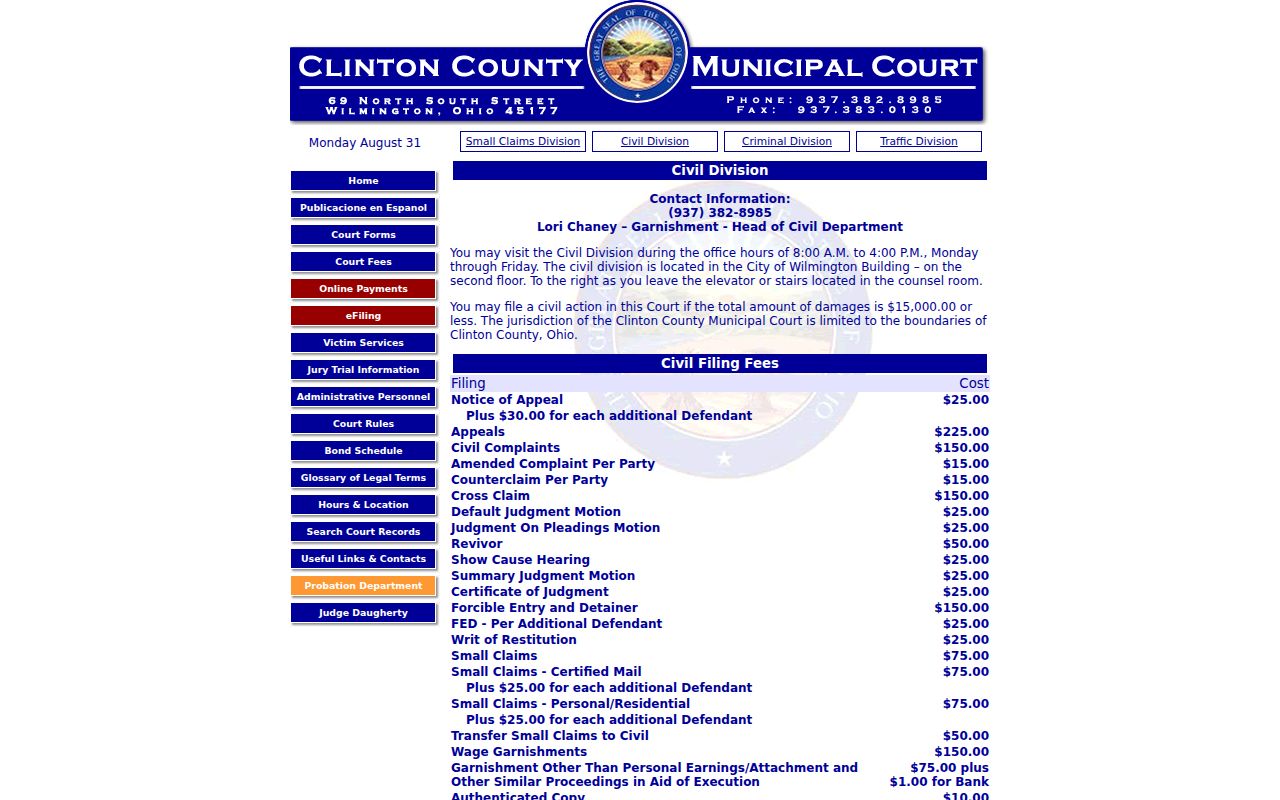
The Civil Division information confirms one thing. Qualifying lower-court civil matters run through the countywide Municipal Court channel. No separate town-specific civil docket exists. Keep your Clinton County docket search pointed at the county-level system.
Remember: a Daily Docket entry shows a scheduled court event, nothing more. Confirm any outcome from the docket sequence or a clerk-held record.
Civil Case Types on the Docket
Civil docket categories in Clinton County follow the court that owns the case. Common Pleas CaseLook lists Civil as CV. That is one of its court-level filters. The Municipal Court keeps Civil and Small Claims separate. Its fee schedule names items that can show up as docket events or filing references: default-judgment motion, judgment-on-pleadings motion, summary-judgment motion, certificate of judgment, garnishment, replevin, execution, and other process.
Those fee names are not a complete public code legend. Exact portal abbreviations for service, answer, dismissal, judgment, or every post-judgment action are not spelled out. Rely on the description in the record. Check with the local clerk or rules before assigning meaning to an unexplained code.
The Clerk's published forms index covers formal filings. It shows support materials tied to Common Pleas practice.
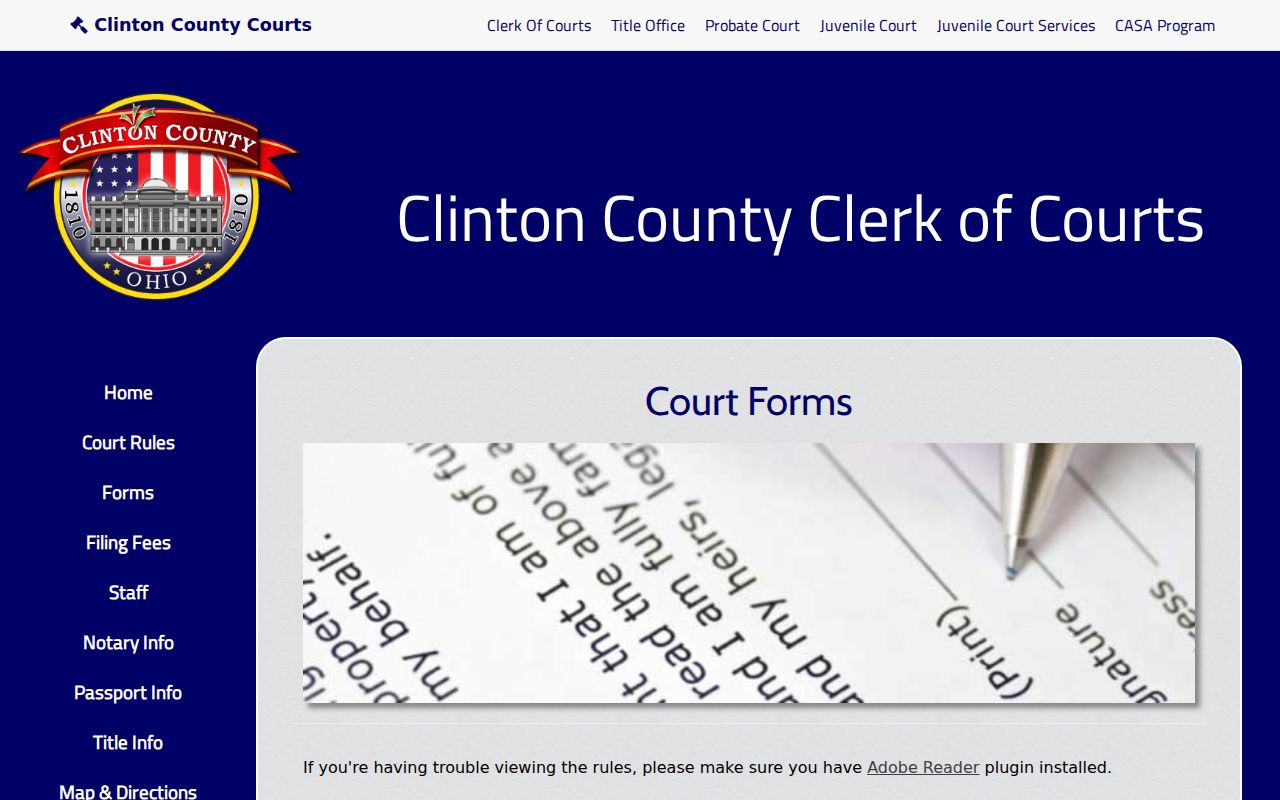
The form index helps you tell a court filing resource apart from a public civil-docket search. It also is not a request for a clerk-certified record. Knowing which is which saves a wasted step.
Civil Docket Settings and Hearings
Municipal Court civil settings start with the current notice. Then pull up the Record Search and the Daily Docket. Compare what each one shows. Check the time, the judge, the description, and the case type against each other. The daily calendar gives you current context only. A recurring schedule is not personal notice of your hearing. A motion hearing entry deals with one motion alone. A pretrial or trial label is not a judgment and not a dismissal. Only a later docket entry or order settles that. Common Pleas works differently. CaseLook offers a Hearing Date search field, but the court posts no standalone public daily-calendar URL for civil settings. The Clerk warns that postings can lag 24 hours or more. When an exact Common Pleas setting matters, find the case in CaseLook. Then confirm the timing with the Clerk or the court office.
Clinton County Civil CaseLook Delay
The CaseLook posting delay matters in a civil case. A date shown on a docket line is not real-time proof of service. It is not proof of a current setting or a certified filing either. Need verified information? The Clerk directs you to make a request or visit during regular hours. The portal still helps you narrow a search. Use Name/Company, Hearing Date, or a numbers-only case number. Just do not treat it as the clerk's final record. Henschen & Associates runs the designated e-filing system for the Clerk and the Municipal Court. Mandatory e-filing in Common Pleas began January 1, 2024 for designated case types. E-filing is a route for authorized participants. It does not replace a public CaseLook query or a Municipal Record Search.
Clinton County Civil Copy Paths
Civil copies come from the Clinton County court that owns the case. That rule decides everything. The Clinton County Clerk of Courts holds Common Pleas civil records. The Clinton County Municipal Court Clerk holds municipal civil and small-claims records. A CaseLook line can locate the case. But the clerk supplies the copy path and confirms whether an item is on hand. Clinton County publishes separate copy schedules for its two court systems. Identify the court first. Then ask the right Clinton County clerk about current costs and certification.
Clinton County Civil File Follow-Up
No exact order or attachment on the Clinton County civil docket? Direct access or a clerk request is the next route. A portal result can still give you a caption. It may show a case number, an event date, or a description too. Pass those details to the owning clerk. Ask whether inspection, a plain copy, or certification is available. Remember that a public docket entry does not guarantee a document image. The court's access rules and the clerk's current response procedure set the next step.
Civil Docket Access Rules
Ohio Rules of Superintendence 44 through 47 govern court-record access, and they explain the difference between a docket line, a filed document, and a certified copy. Sup.R. 45 presumes court records open for direct access at reasonable times. Remote access may omit documents or exhibits, though. Protected identifiers, plus records restricted by law or court order, stay outside ordinary public access. R.C. 149.43 is Ohio's administrative public-records law. It is not a promise of unrestricted remote court-file access. Copy costs differ by court. Common Pleas charges 10 cents per page plus $2 per document for certification. The Municipal Court publishes $1 per page for the first five pages, 25 cents for each additional page, and an authenticated copy at $10. Confirm current pricing, availability, format, and the custodian before paying. Never mix the two schedules. The Clerk's fee schedule states the Common Pleas copy and certification charges.
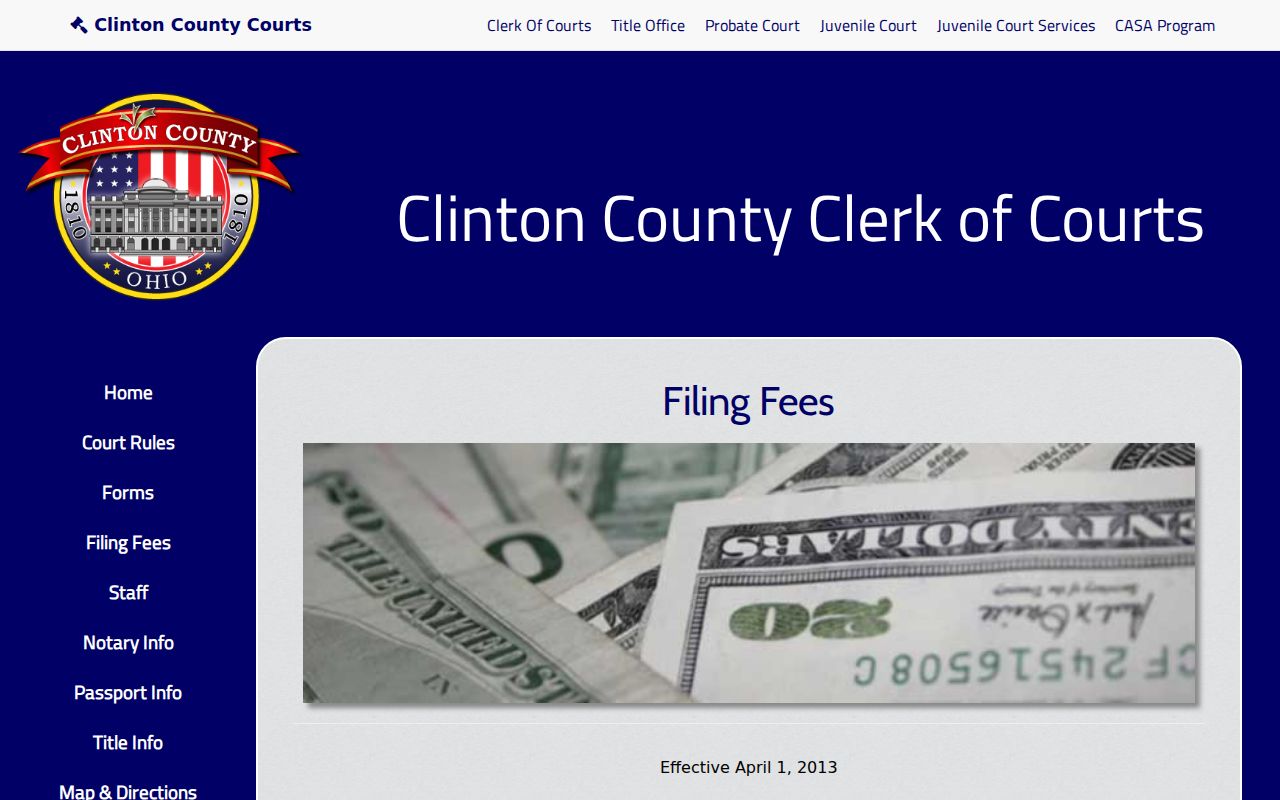
The published schedule is one more reason to identify the owning court before requesting a civil judgment or order copy. R.C. 1901.18 sets the statutory framework for municipal-court subject matter, and local civil routing reflects it.
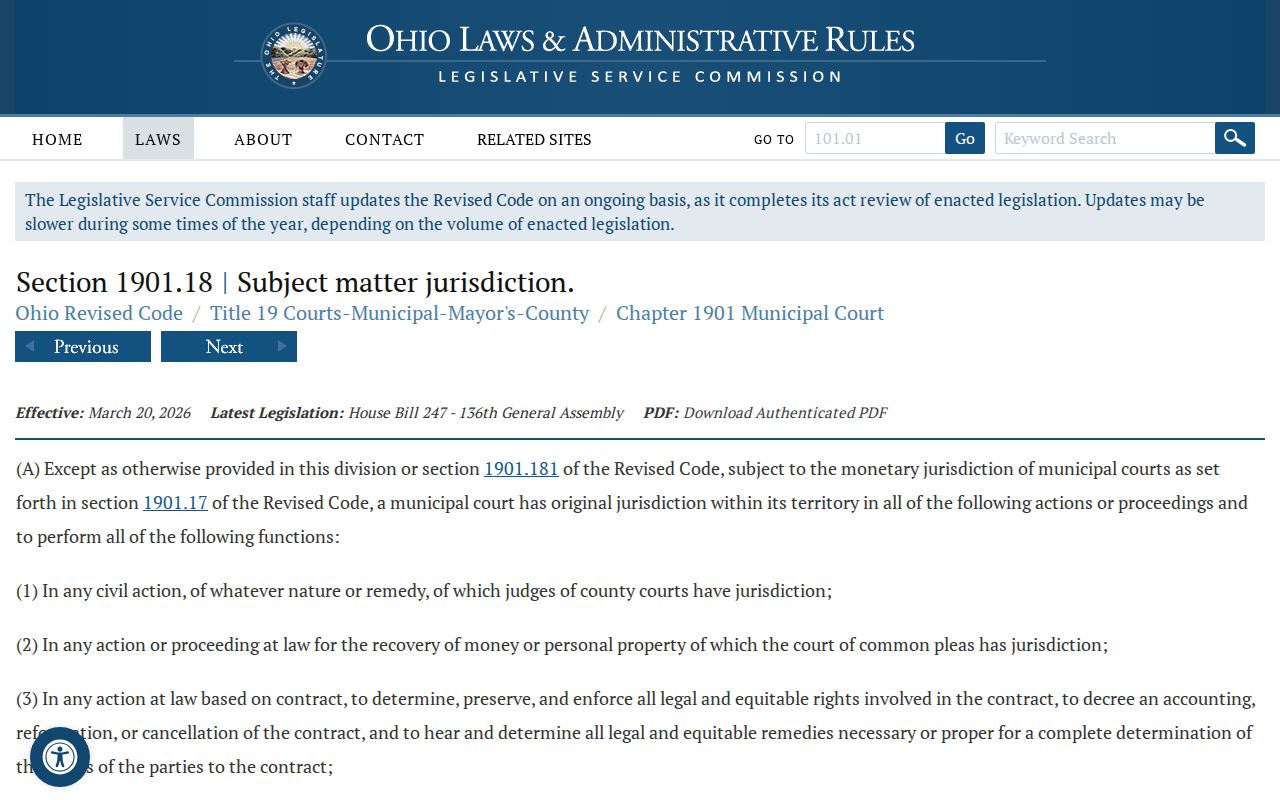
The statute drives the point home. Jurisdiction, not the town where a dispute arose, picks the correct civil docket path.